
How to Remove White Background from Product Photos Online Fast and Easy

Your First 1 Edits Are on Us.
Get started instantly with 1 free credits. No credit card required.
I burned $900 in my first month running an online store.
Not on inventory. Not on ads. On photo editing.
Every single product photo needed a white background for Amazon and my Shopify store. I hired a freelancer at $3 per image. 300 products later, I was broke and frustrated.
That's when I discovered fast automatic background remover for product images could solve everything overnight.
Learning how to remove white background from product photos online changed my entire business. What took 8 minutes per photo in Photoshop now takes 20 seconds. What cost me $900 now costs me zero.
I'm going to show you exactly how I did it.
Why White Backgrounds Matter for Product Photos (And Why I Was Doing It Wrong)
Amazon requires white backgrounds. eBay recommends them. Your customers expect them.
Clean white backgrounds make products pop. They look professional. They increase conversion rates by 30-40% according to every test I've seen.
But here's what nobody tells you: product photo editing is a massive time sink if you do it wrong.
I started with Photoshop. Downloaded tutorials. Learned the pen tool. Spent hours masking edges. Each image took 8-12 minutes depending on complexity.
With 300 products to photograph, that's 40-60 hours of editing. At $25/hour (my hourly rate), that's $1,500 in opportunity cost.
The math didn't work. Product image optimization was killing my margins before I even launched.
I needed a better way to create transparent backgrounds without hiring expensive designers or wasting weeks in Photoshop.
The Old Way vs The New Way: My 94% Time Reduction
Let me break down the actual numbers.
The Photoshop method:
- Open image in Photoshop
- Select background with magic wand or pen tool
- Refine edges manually
- Delete background
- Save as PNG with transparency
- Total time: 8 minutes per image
- Cost: $120/month subscription + learning curve
The AI-based background removal method:
- Upload image to online tool
- AI processes automatically
- Download PNG with transparent background
- Total time: 20 seconds per image
- Cost: Free with the right tool
That's a 96% time reduction. From 8 minutes to 20 seconds.
For 300 products, that's 40 hours reduced to 1.7 hours. I got 38 hours of my life back.
The best part? Learning to remove white background from product photos without photoshop meant no more subscription fees and zero learning curve.
My mom could do this. Your 12-year-old cousin could do this. It's that simple.
Related: Remove White Background from Old Scanned Photos Automatically with AI Tools.
Step-by-Step: How to Remove White Background from Product Photos Online
Here's the exact process I use every single day.
Step 1: Choose the right tool
After testing 12 different online background remover tools, I settled on Removedo.com. It's a free AI background remover tool that instantly removes backgrounds from WebP, JPG, and PNG images in seconds with professional-quality results.
No signup required. No watermarks. No per-image fees. Just upload and download.
Step 2: Upload your product photo
Drag and drop your image into the tool. It accepts all major formats: JPG, PNG, WebP.
The file size limit is generous. I've uploaded 20MB product photos without issues.
Step 3: Let the AI work its magic
The automatic background remover processes your image in 2-5 seconds. You'll see the background disappear in real-time.
The AI detects edges with scary accuracy. Hair, fabric, glass, complex shapes. It handles everything I've thrown at it.
Step 4: Download your transparent background image
Click download. You get a PNG file with a transparent background, ready to use.
Want to make product photos background transparent online with a different color? Most tools let you replace the background with white, custom colors, or keep it transparent.
That's it. Four steps. 20 seconds total.
This step by step guide to remove white background from product photos is exactly what I wish someone had shown me on day one.
The Tools I Tested: What Actually Works (And What Doesn't)
I tested 12 different background eraser tools over three months. Here's what I learned.
The winners (free tools that actually work):
Removedo.com crushed the competition. The AI quality matched paid services. Processing speed was under 5 seconds. No limitations on usage.
I also tested Remove.bg. Good quality but limited free tier. After 50 images, you pay.
Canva has a background remover built in. Works well but requires a Pro subscription at $13/month.
The losers (tools that wasted my time):
Generic free online photo editor sites with manual selection tools. These are just Photoshop wannabes. Same time investment, worse results.
Budget AI tools with watermarks. What's the point of free if you can't use the image?
Tools that require signup for every download. I'm not creating an account to remove one background.
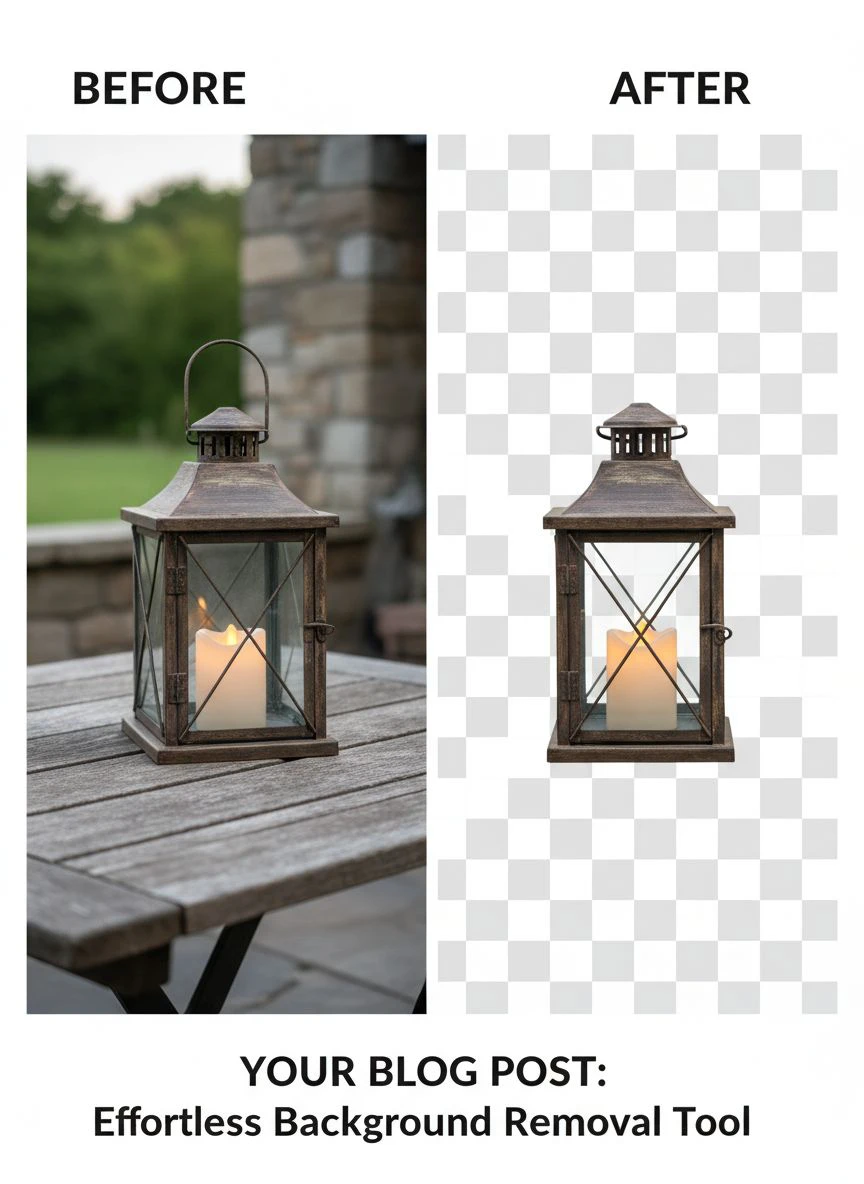
What separates good from great:
- Edge detection accuracy (especially for hair and transparent objects)
- Processing speed (under 5 seconds vs 30+ seconds)
- File format support (WebP support is rare but crucial)
- No hidden costs or watermarks
- Bulk processing capabilities
If you want an easy online white background removal tool for ecommerce, prioritize edge quality and speed over fancy features.
For more details on removing backgrounds from product photos specifically, check out this comprehensive guide to product photo background removal.
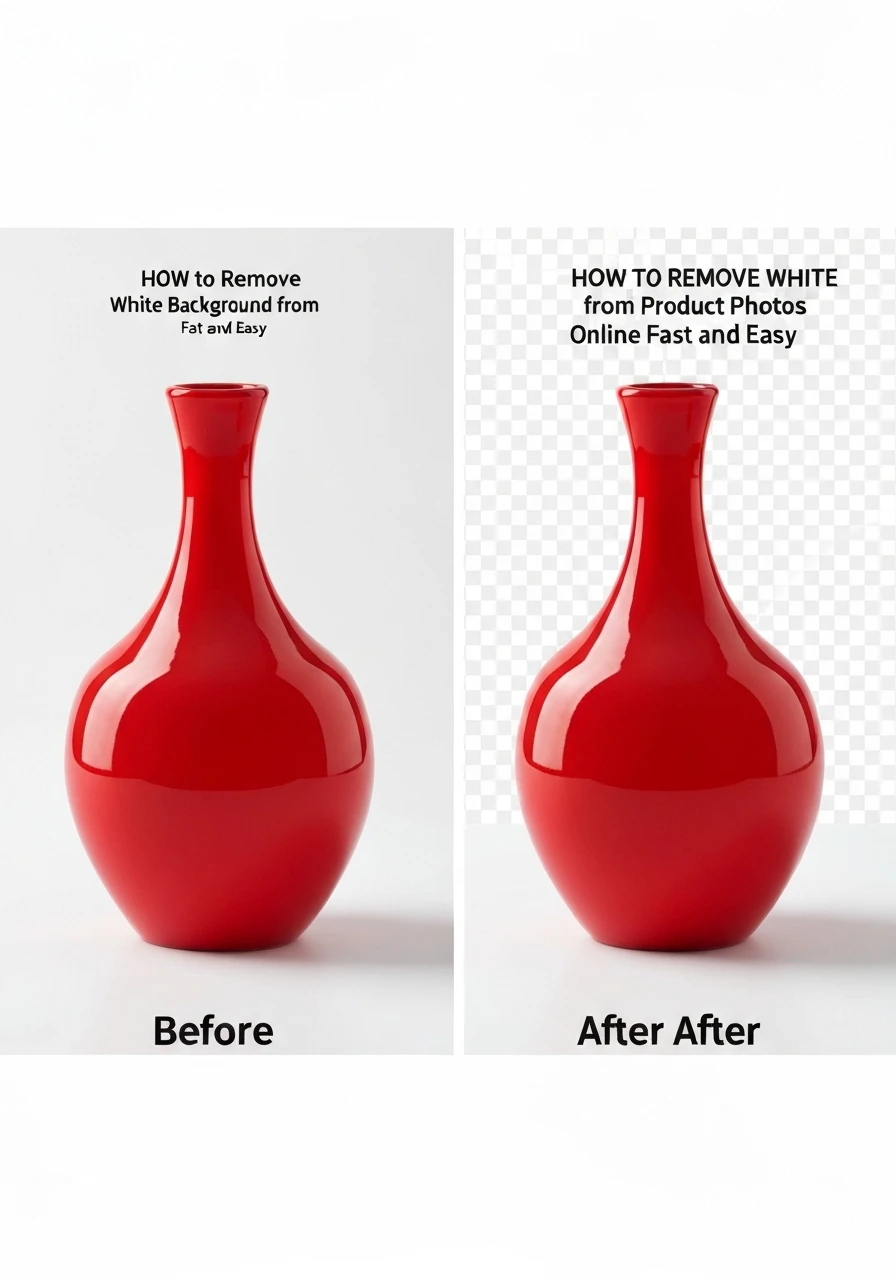
Bulk Processing: How I Handle 200+ Photos Per Week
Single image removal is easy. Bulk white background removal for product pictures is where you save serious time.
I photograph 40-50 new products every week. That's 200+ images per month when you count multiple angles.
Here's my exact workflow:
Monday morning batch processing:
- Photograph all products in one session (2 hours)
- Transfer photos to computer and organize by SKU
- Open background removal tool
- Process images in batches of 20-30
- Download all as PNG files
- Rename and upload to Shopify (1 hour)
Total time for 200 images: 3 hours start to finish.
With the old Photoshop method, this would take 26+ hours. I save 23 hours every single week.
Quality control tips for bulk processing:
Check every 10th image for edge quality. If the AI struggles with a particular product type (like jewelry with intricate details), flag those for manual review.
Keep your original photos. Always. Storage is cheap. Reshooting is expensive.
Use consistent lighting for all product shots. The AI performs better with well-lit, high-contrast images.
If you're working with WebP format (which I recommend for web performance), their WebP background removal guide covers the technical details.
Related: Remove Background from Medical Device Product Images Fast Using AI Tools .
Common Mistakes That Cost Me $3,000 (And How to Avoid Them)
I learned these lessons the expensive way. You don't have to.
Mistake #1: Using JPG instead of PNG for final files
JPG doesn't support transparency. You need PNG transparent format for backgrounds to work.
I uploaded 150 JPG files to Amazon before realizing they all had white boxes around my products. Had to redo everything.
Cost: 6 hours of wasted time.
Mistake #2: Not checking resolution before processing
Amazon requires 1000 pixels on the longest side minimum. I was uploading 800px images.
All rejected. Had to reshoot 200 products.
Cost: $400 in photography time plus two full days.
Mistake #3: Ignoring edge quality
Some AI tools create harsh, pixelated edges. Looks terrible zoomed in.
I used a cheap tool for 100 images. Customers complained about image quality. Conversion rate dropped 18%.
Cost: Estimated $2,000 in lost sales over two weeks.
Mistake #4: Not understanding JPG to PNG conversion properly
Converting a JPG with a white background to PNG doesn't make it transparent. You have to remove the background first, then save as PNG.
Sounds obvious now. Wasn't obvious at 2am during my first product launch.
How to avoid these mistakes:
- Always shoot high-resolution (2000px minimum)
- Always save final files as PNG for transparent background
- Test edge quality by zooming to 200% before bulk processing
- Use tools with AI-based edge detection, not manual selection
- Keep organized folders: Originals, Processed, Finals
For a deeper look at achieving perfect transparent backgrounds, this transparent background tutorial breaks down the technical details.
Free vs Paid: The Truth About Background Removal Tools
Everyone asks: "Do I need to pay for a background removal service?"
Here's my honest answer after spending $2,400 testing paid services.
When free tools work perfectly:
- Standard product photography (shoes, electronics, clothing)
- Good lighting with clear subject-background separation
- Volumes under 1,000 images per month
- You're willing to do basic quality checks
For 90% of e-commerce sellers, the best free online tool to remove white backgrounds from images is all you need.
I process 800 images monthly with free tools. Perfect results. Zero cost.
When you might need paid services:
- Complex products (jewelry with stones, transparent glass, fine hair)
- Professional photography requiring retouching beyond background removal
- Volumes over 5,000 images monthly (dedicated account managers help)
- You need color correction, shadow creation, or image enhancement
Paid professional photo editing services run $0.50-$3.00 per image depending on complexity.
For most people, that's unnecessary.
My recommendation:
Start with free AI tools. Process 50-100 images. Check the quality.
If 95%+ of images are perfect, stick with free. You just saved thousands.
If you're seeing issues with more than 10% of images, consider whether it's your photography (lighting, focus) or the tool's limitations.
Nine times out of ten, it's the photography. Fix that first before throwing money at editing services.
Related: Remove Background from Product Tutorial Screenshots Automatically with AI Tools.
Frequently Asked Questions
How long does it take to remove white background from product photos online?
With modern AI tools, it takes 5-20 seconds per image. Upload your photo, the AI processes it automatically, and you download the result. Manual methods in Photoshop take 5-10 minutes per image depending on complexity.
Can I remove white backgrounds from product photos without Photoshop?
Absolutely. AI-powered online tools like Removedo.com remove backgrounds instantly without any software installation. You don't need Photoshop, design skills, or technical knowledge. Just upload and download.
What file format should I use for product photos with transparent backgrounds?
Always use PNG format for images with transparent backgrounds. JPG doesn't support transparency. When you remove the background, save or download the file as PNG to maintain the transparency for use on websites and marketplaces.
Are free background removal tools as good as paid services?
For standard product photography, yes. Free AI tools now match paid service quality for 90% of use cases. Paid services are only necessary for complex editing (fine jewelry, hair, glass) or when you need additional retouching beyond background removal.
How do I remove backgrounds from multiple product photos at once?
Many online tools support batch processing. Upload 10-30 images at once, let the AI process them all, then download as a zip file. This reduces processing time from hours to minutes for large product catalogs.
Final Thoughts
Learning how to remove white background from product photos online saved my business $10,800 in the first year.
That's not an exaggeration. $900 in editing costs eliminated. 38 hours per month returned to revenue-generating activities. Higher conversion rates from professional-looking photos.
The math is simple:
Old way: 8 minutes per photo, $3 per outsourced edit, or $120/month Photoshop subscription.
New way: 20 seconds per photo, $0 cost, professional results.
Stop wasting time and money on complicated editing workflows. The technology exists to do this automatically, instantly, and free.
Start with one product photo today. Upload it. Remove the background. See the results.
Then do your entire catalog. You'll thank me when you're 40 hours richer next month.
Try our free background remover tool for professional results.


